


Good afternoon,
Is there a truly effective way to show how many objects/documents are inside a View?
So I have a View that is broken down into one grouping level (containing 4 folders).
We have to determine the number of documents by each category.
First I want to determine the overall number of documents inside the View, but if I right-click on the View and select general, it shows me the number 2,370:
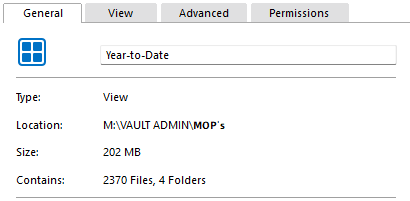
However, on manually counting the documents inside each of the four folders, the actual number is 2,807.
I realised that the system is only counting the first page of objects, so as an example in the first folder 'Duty' it shows 1,000 documents:
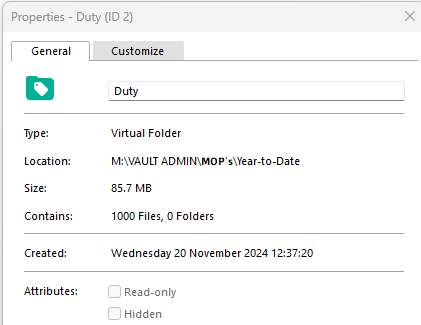
However, the real number when I go into the folder is 1,437 because right-clicking the folder only counts the first page of documents; so of course this skews the number on the top-level:

Is there any other/accurate way to determine the number of objects within a View instead of having to manually check each folder for actual number?


