


Hi Team,
We are working on an integration with the M‑Files REST API (version 24.10.14158.3) and need guidance regarding document permissions.
Our customer is trying to set document permissions using the endpoint: /objects/{type}/{id}/{version}/security
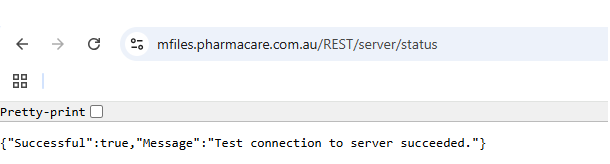
However, the API consistently returns 404 Not Found. We also see the same 404 response when calling:
-
/REST/server -
/REST/structure/usergroups
We understand that this endpoint must be called with actual values for type, ID, and version (e.g., /objects/0/323/18/security). Could you please confirm:
-
Is it mandatory to use real object type, ID, and version numbers for this endpoint?
-
Are these endpoints expected to be available in this version of M‑Files?
-
Is there any configuration required to enable them (e.g., Web Service setup, vault settings)?
-
Could permissions or licensing affect endpoint availability?
-
What is the recommended approach to set document security via REST API in this scenario?
Authentication is being done using an API service user account.
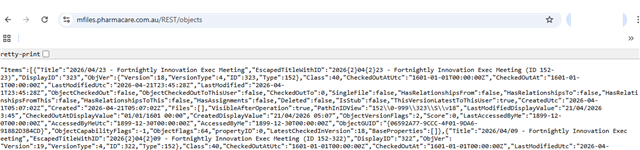
/objects/{type}/{id}/{version}/security

{"Status":404,"URL":"/vault/07D99EEE-C8C1-44AE-B7FD-CBFD53178995/objects/%7Btype%7D/%7Bid%7D/%7Bversion%7D/security","Method":"GET","Exception":{"Name":"NotFoundException","Message":"Exception of type 'MFWS.NotFoundException' was thrown."},"Stack":"Error reference ID: 478d2cc4-45c5-4dc8-b409-0b170783b015","Message":"Exception of type 'MFWS.NotFoundException' was thrown.","IsLoggedToVault":true,"IsLoggedToApplication":true,"ExceptionName":"NotFoundException"}
Any guidance from M-Files team would be greatly appreciated.
Regards,
Senthil


