Can I create a view based on a specific state transition date?

I have been struggling with this one for a while. Till now I have found some workarounds, but now I cannot come with anything. 

  • If the workflow has a signature, can I use somehow the signature reason and date for it? 
  • If the workflow does not have a signature, how to do it? 

In both situations I cannot used the "moved into current state" neither "last modified". 

Thanks, 
Priscila

Parents Reply Children
  • Thank you, Joonas, for your answer.

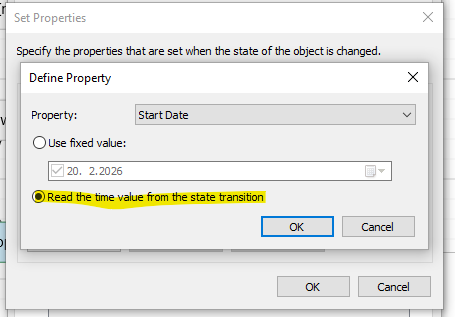
    I understand that the recommended solution would be to modify the workflow configuration by creating a date property and setting its value during the state transition. This is indeed a best practice and something I have implemented in other workflows.

    However, in this particular case, the environment is restricted and I am not allowed to modify the existing workflow configuration or add new properties. Therefore, using a “Set Property” action in the transition is unfortunately not an option.

    My requirement is to create this view without changing the current workflow setup. Is there any alternative way to filter objects based on that specific state transition date under these constraints?